
A common question about DMARC is whether setting your policy to p=reject will improve your inbox placement. There’s no direct evidence that a reject policy by itself improves your reputation with mailbox providers, but it can protect your deliverability by stopping spoofers from damaging your domain’s reputation.
What we do know is what the mailbox providers require. When Gmail and Yahoo rolled out their bulk sender requirements in February 2024, the minimum DMARC policy they asked for was p=none. Microsoft followed with the same floor in 2025.
That said, a reject policy can still have a real impact on your deliverability. The impact comes from what the policy prevents. A reject policy protects your domain from spoofing and impersonation, and spoofing can quickly and severely damage your reputation.
Spoofed Mail Is Still Your Mail
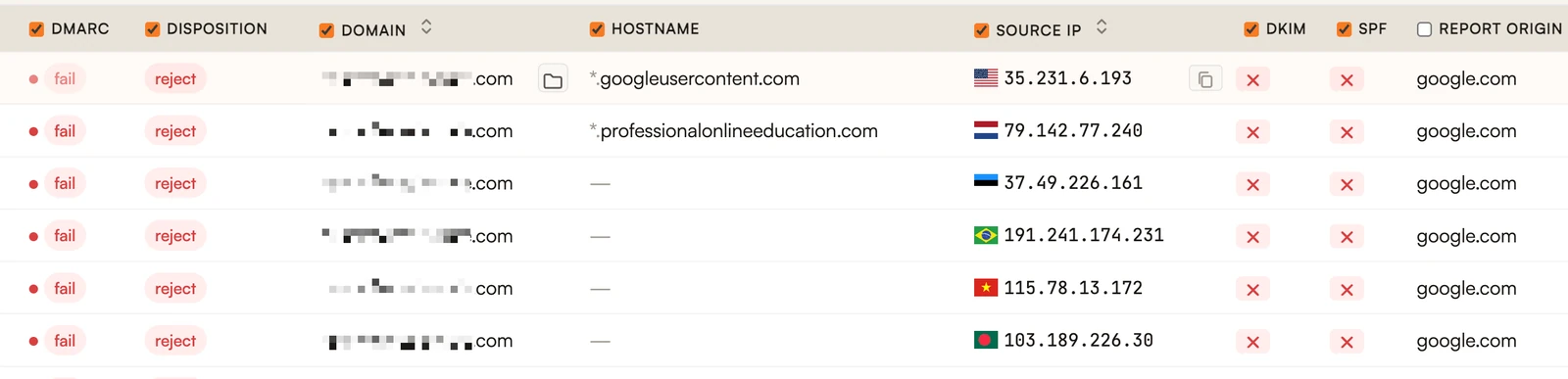
When someone spoofs your domain, they send email that claims to come from you without your permission. Without a reject policy, mailbox providers are left to decide on their own what to do with those messages. A lot of them still get delivered.
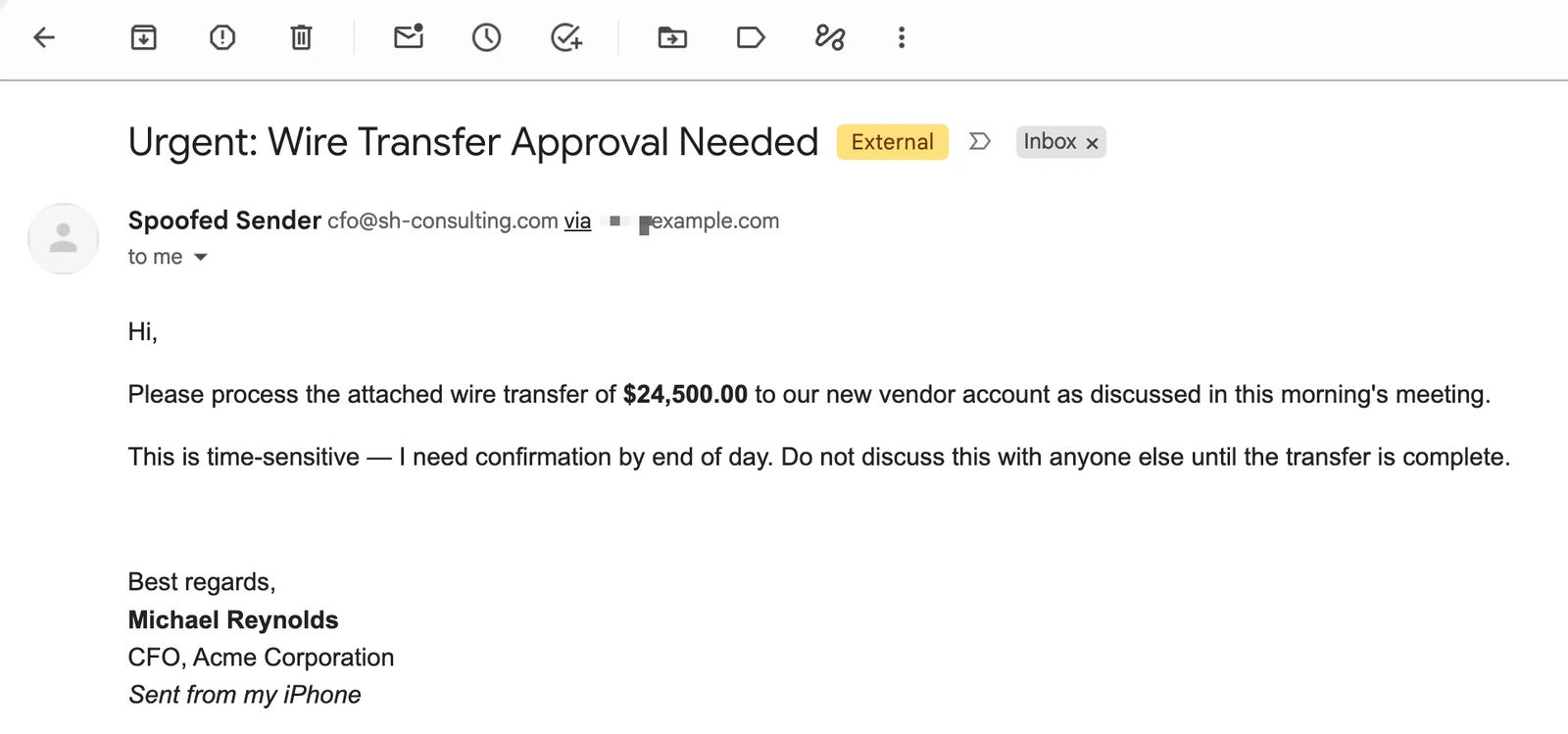
The problem is that blocklists don’t care who actually hit send. The Spamhaus DBL and SURBL list domains based on what shows up in their networks. SURBL in particular looks at the domains linked inside message bodies, and spoofers often copy real templates from the brand they’re impersonating, so your domain ends up in the links, logos and unsubscribe URLs of their phishing messages. If your domain keeps appearing in phishing messages, it can end up on those lists whether or not you sent them yourself. And as we covered in our articles on Spamhaus and SURBL, a domain listing can do serious damage to your ability to reach the inbox.
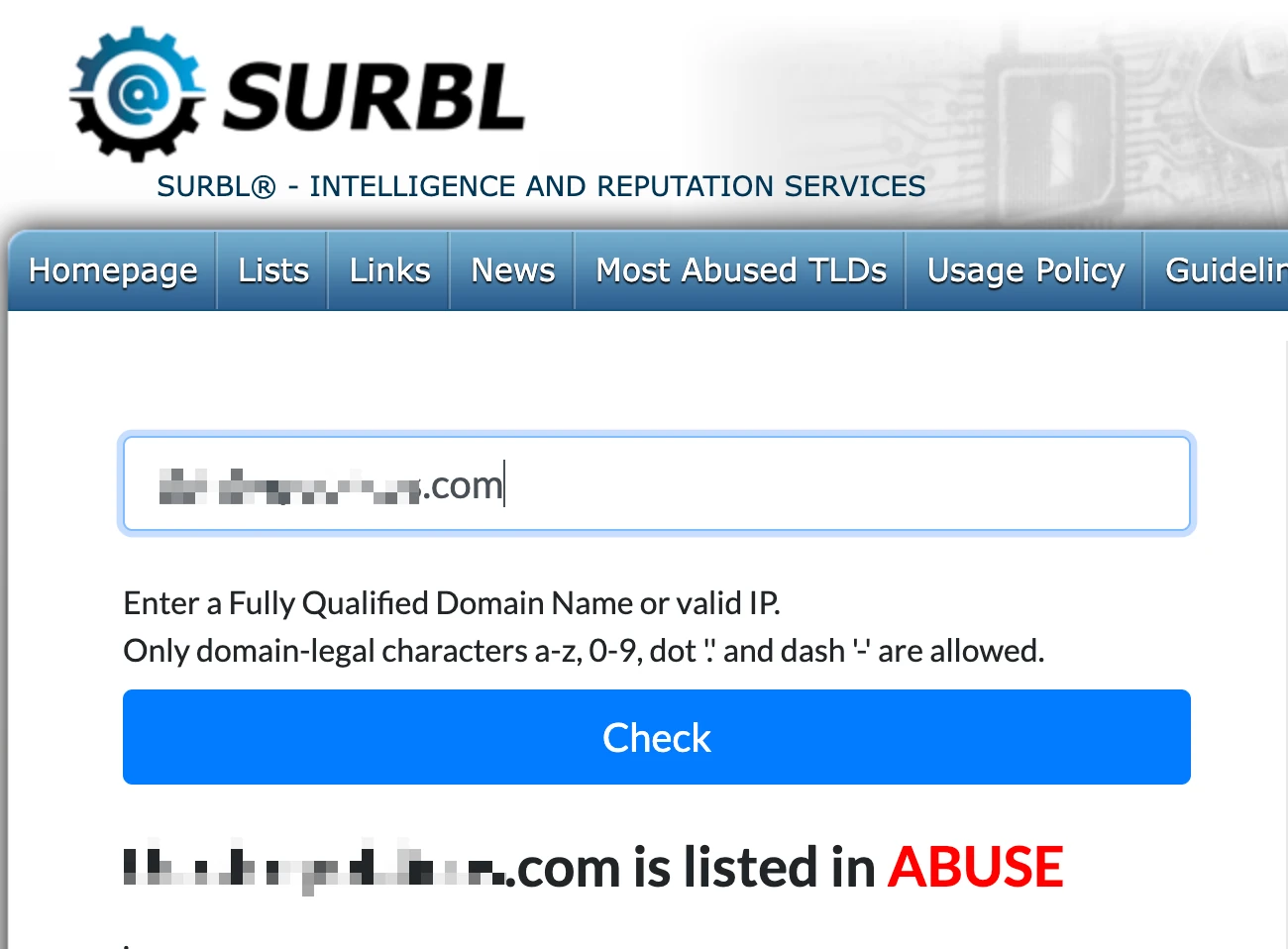
It doesn’t take a massive campaign to cause trouble, either. Just a small trickle of unauthorized email can be enough to land you on a blocklist. Then, the bad actor moves on to the next domain and you’re the one left dealing with the damage.
A reject policy tells mailbox providers to refuse any message that claims to be from your domain but fails DMARC. At mailbox providers that enforce DMARC, spoofed mail gets stopped at the door instead of landing in inboxes, getting reported, and getting tied back to you. Not every receiver follows the policy to the letter (some send failing mail to junk instead of rejecting it), but either way it stays out of the inbox.
The Damage Doesn’t Stop at Blocklists
Blocklists are the most visible consequence, but spoofing hurts you in quieter ways too.
Your recipients get more cautious. Someone who gets a convincing phishing email in your name is going to look at your next real email a lot more suspiciously. Some of them will hit the spam button just to be safe, and spam complaints are one of the strongest negative signals mailbox providers use.
Backscatter and abuse complaints. Spoofed messages sent to bad addresses can generate bounce messages back to your domain. Recipients and network operators who get hit by the spoofed mail may file abuse complaints that end up pointed at you.
Your brand gets tied to a phishing campaign. In the worst cases, your company name becomes associated with a scam. That’s a problem that goes well beyond email.
You won’t see one big event that tells you something went wrong. Trust wears down gradually, both with your recipients and with the filters deciding where your mail lands.
Is your domain protected from spoofing?
Free domain review covering your DMARC policy, SPF, DKIM, and spoofing risks.
Book a 30-Minute ReviewWhat a DMARC Reject Policy Doesn’t Cover
A reject policy is powerful, but it only protects the exact domain it’s published on. Here are the gaps.
Lookalike domains. If a bad actor registers a domain that looks like yours, your DMARC record does nothing to stop them. We recently worked with a recruiting firm whose brands were being impersonated this way. A blocklist operator ended up listing one of the firm’s real domains because of spam sent from a lookalike. A reject policy on the real domain wouldn’t have prevented that.
Display name spoofing. A message can show your company name in the From field while coming from a completely unrelated address. DMARC only checks the domain.
Subdomains. By default, your policy applies to subdomains too. But if your record includes an sp= tag set to none, subdomains are left open. Make sure that’s intentional.
Reject is one layer of protection, not the whole thing.
Set p=reject on Your Dormant Domains
Most organizations own more domains than they send from. Old brand names, defensive registrations, domains bought for a campaign that never launched. Bad actors love these, because nobody is watching them.
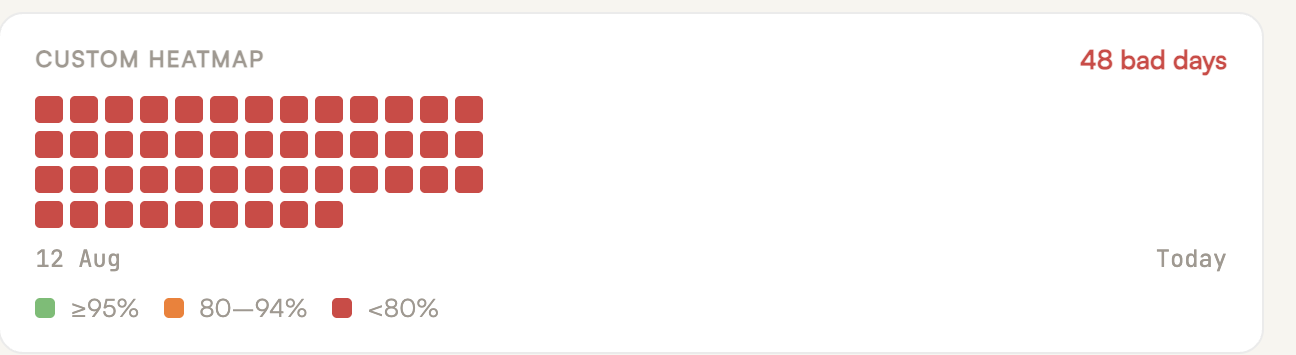
We saw this firsthand with a large client of ours. They actively send email from only a handful of domains, but they own over 350. When we brought those domains into our DMARC dashboard, we found about 80 dormant domains being abused by bad actors sending small amounts of phishing and malicious email.
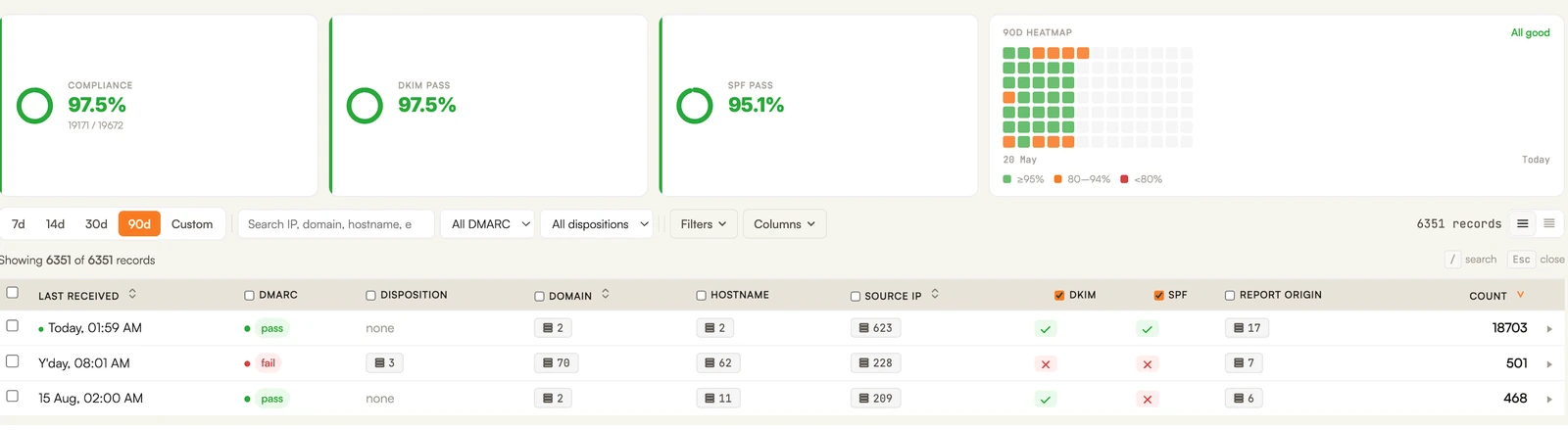
None of those domains were being used for legitimate mail, which makes them the easiest ones to protect. Publish a DMARC record with p=reject on every domain that doesn’t send email, along with an SPF record of v=spf1 -all, a wildcard DKIM record that revokes all keys, and a null MX record so the domain can’t send or receive mail. There’s nothing to break, and it keeps those domains healthy and ready to warm up if you ever need them.
_dmarc.example.com        TXT  "v=DMARC1; p=reject; rua=mailto:you@example.com"
example.com               TXT  "v=spf1 -all"
*._domainkey.example.com  TXT  "v=DKIM1; p="
example.com               MX   0 .
How to Move to p=reject Without Blocking Your Own Email
For domains that do send email, you can’t just flip the switch to p=reject. If any of your legitimate mail streams aren’t properly authenticated, a reject policy will block your own email right along with the spoofers.
This is where DMARC reporting comes in. As we covered in DMARC: A Map of Your Email Program, your DMARC reports show you every service sending email as your domain and whether each one is passing authentication. The path to reject looks like this:
- Publish a DMARC record at p=none and start collecting reports.
- Use the reports to find every legitimate mail stream and fix any that aren’t authenticating properly. Make sure each one passes with aligned DKIM, not just SPF. SPF breaks when mail is forwarded, so a stream that only passes on SPF can get rejected once it goes through a forwarder or mailing list.
- Move to p=quarantine and keep watching the reports.
- Once you’re confident every legitimate source is passing, move to p=reject.
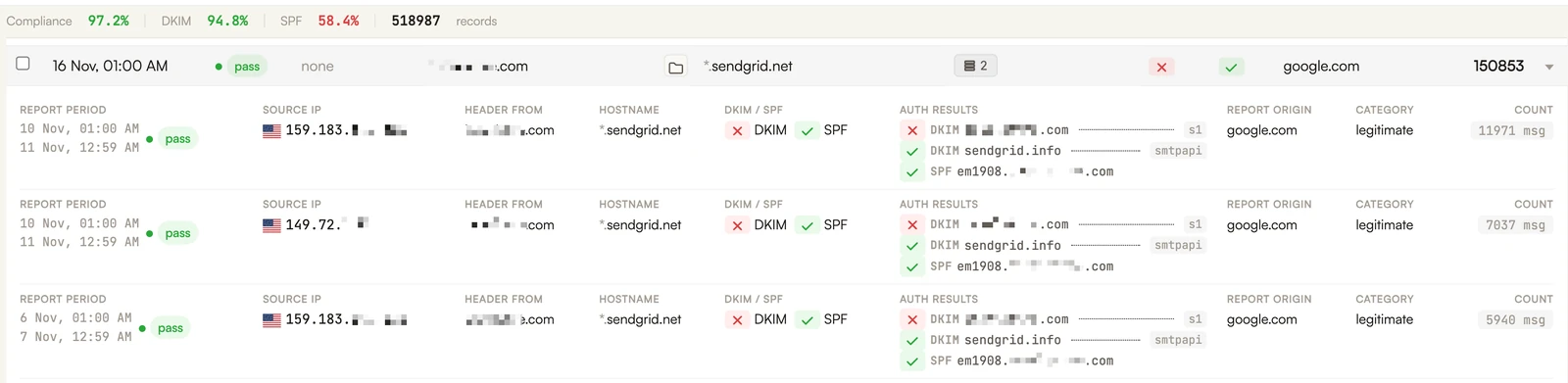
The timeline depends on how many mail streams you have. A small company might get there in a few weeks. An organization with dozens of sending services could take a few months. Either way, the reports are what tell you when you’re ready.
What This Means for Senders
Whatever a reject policy may or may not do for your reputation directly, what it definitely does is keep bad actors from borrowing your domain’s name and spending its reputation for you. Your reputation should reflect the email you actually send. Reject won’t stop every kind of impersonation, but it closes the biggest door on your own domain.
Not sure where your domains stand? Check them for free with our bulk DMARC checker at dmarc.cc.
If you’re still at p=none, or you have domains with no DMARC record at all, SH Consulting can help. Book a call with our team and we’ll take care of everything from setup and monitoring all the way to policy enforcement.